
Download KML FILE to BEST view this interactive map within Google Earth.
My wife and I took a fabulous trip to the United Kingdom and Greece that was primarily for a writing project that she is working on at the moment. We still toured liked Americans are wont to do. Many people will typically share their photos with friends on Facebook or tweet their favorite images as they go. Thinking about geography education and my readers, I had different plans.
- I created a photo album on PhotoBucket and uploaded my pictures.
- I added locations, geo-tagged the pictures and saved it as a Google Earth KML file.
- I then imported the KML file in Google Maps in the map that is displayed above.
In essence, this is a glorified way to share a photo album with the opportunity to have an interactive map open simultaneously. This is not meant to be the definitive visual tour of London or anywhere else; my trip is just the backdrop for showing the type of projects that students can make with free software. Although I am embedding the Google Maps version, it really was designed to be used in Google Earth, which is a free download.
You can see the complete photo album of the trip (okay, not the complete one since we took over 600 pictures, but does anyone really want more than 160?).
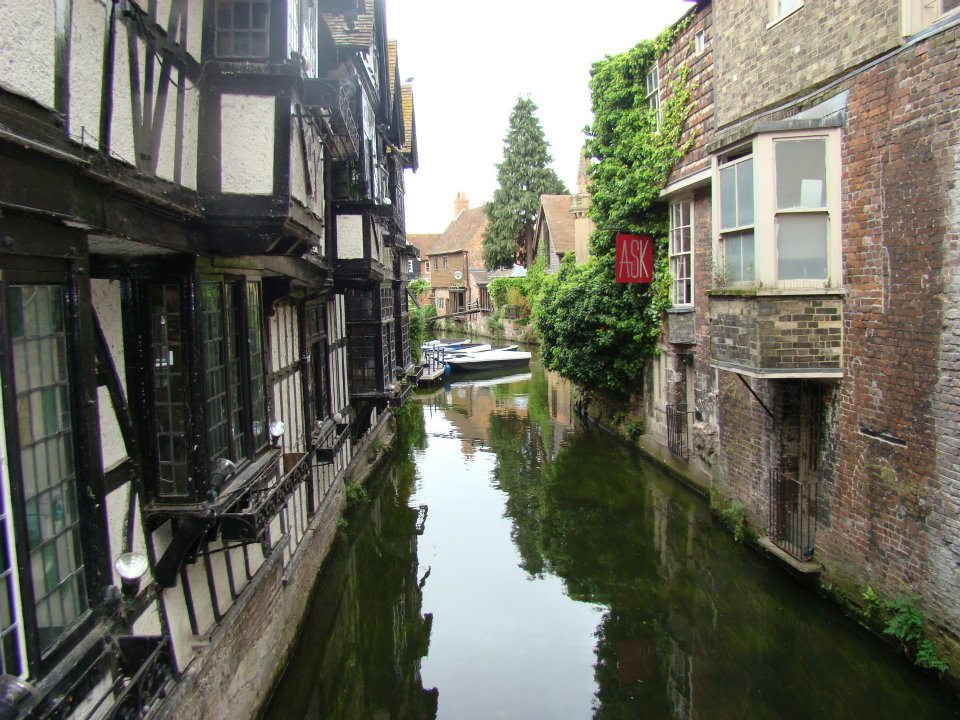
But I am curious to see if the Google Earth KML file gives ‘added value’ to the sharing of trip pictures. The image below is nice, but the maps, comments and temporal sequence give the picture added context (which hopefully, you’ll find in the Google Earth KML file). Let me know what you think about the idea of using this as a teaching tool.
And while we are discussing London and the City of London (yes those are two separate things), enjoy this video about the complex political geography of the two cities.



 GEOGRAPHY EDUCATION
Leave a comment